

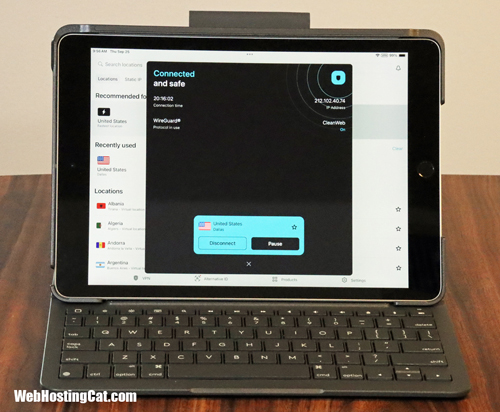
One of the benefits of having a business website is that you can work on it whenever (and just about wherever) you need to. Not only can you work on your website at home or your place of business, but if you need to make changes or additions to your site, you can even work from a coffee house, restaurant, airport, hotel, or any other place with public wi-fi access. However, there are security risks—and that’s where using a VPN is critical.
Downside of Working on Your Website Using a Public Wi-Fi
While a public Wi-Fi makes it very convenient to get your work done when your traveling or on the go, there are some definite security risks:
- Someone on the same network could be able to view the unencrypted data such as your passwords, emails, and other files.
- Some hotspots are malicious fake Wi-Fi networks.
- Your traffic could be intercepted between your laptop or phone and the network.
- Your unencrypted data, including sensitive information, could be exposed.
How a VPN Protects You When Using Public Wi-Fi
However, using a VPN when working on your website remotely can protect you in the following ways:
- All data is encrypted between your device and your VPN server.
- Your actual real IP address is hidden. Only the VPN server IP is seen—thereby avoiding tracking and profiling.
- The VPN adds a layer of encryption, so even if the Wi-Fi uses a weaker encryption version, you are better protected.
- Traffic is routed privately so others on the local network can’t see what you are doing.
If you use a public Wi-Fi connection, your private information could be compromised. Using a VPN, you can secure your internet connection and have your data encrypted.
VPN Recommendations
Here are my top VPN recommendations. I’ve personally used all of these and have had great experiences.
Surfshark
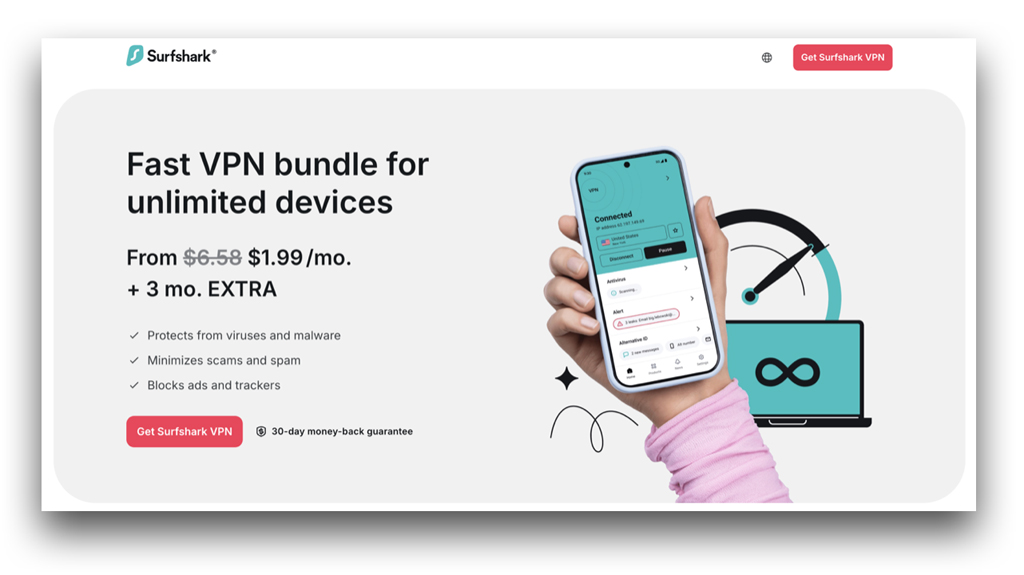
Surfshark gets our award for Best Cheap VPN. But, it’s a lot more than just affordable. In fact, overall I would recommend Surfshark for most people looking for the best VPN choice. Surfshark includes the best combination of security features in my opinion, speed and performance are excellent, and live chat support is available. Surfshark is definitely at the top of my VPN list.
Pros and Cons
- Includes Great Online Security Features
- Unlimited Device Connections
- Good Speed and Performance
- Responsive Customer Support
- Very Affordable
- Not as Many Server Locations as NordVPN or ExpressVPN

NordVPN
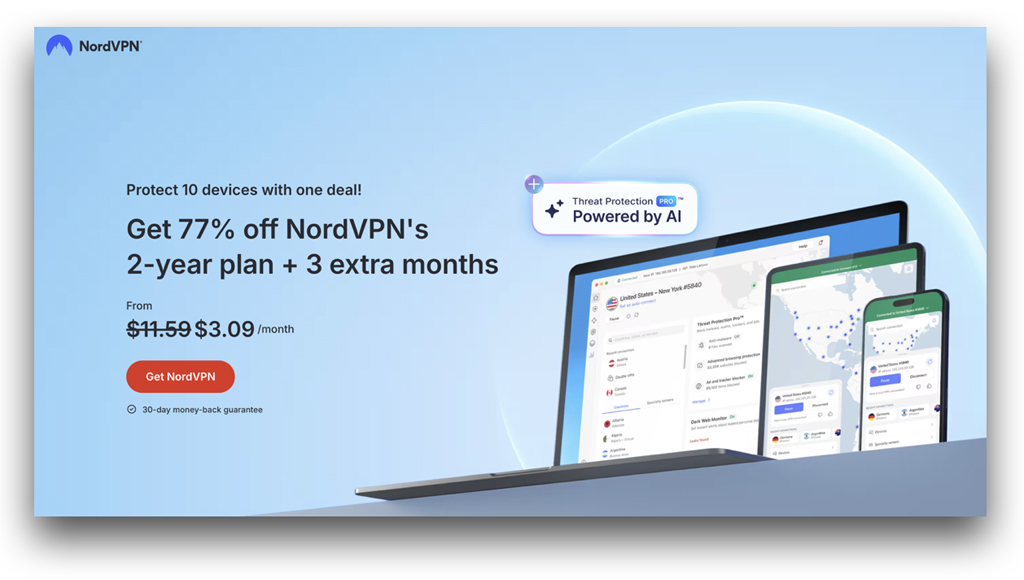
NordVPN is possibly the best known VPN provider on the market. You’ve probably seen their TV and online ads. NordVPN definitely delivers when it comes to online privacy and security. While I would like to see them add additional security features like Surfshark has done, if you’re looking for solid online security from one of the most well-known and established VPN companies, then NordVPN is a great choice.
Pros and Cons
- More Server Locations
- Solid Online Security Features
- Good Speed and Performance
- Responsive Customer Support
- Well-Known and Established VPN Brand
- Could Include More Security Features
- A Bit More Expensive

ExpressVPN
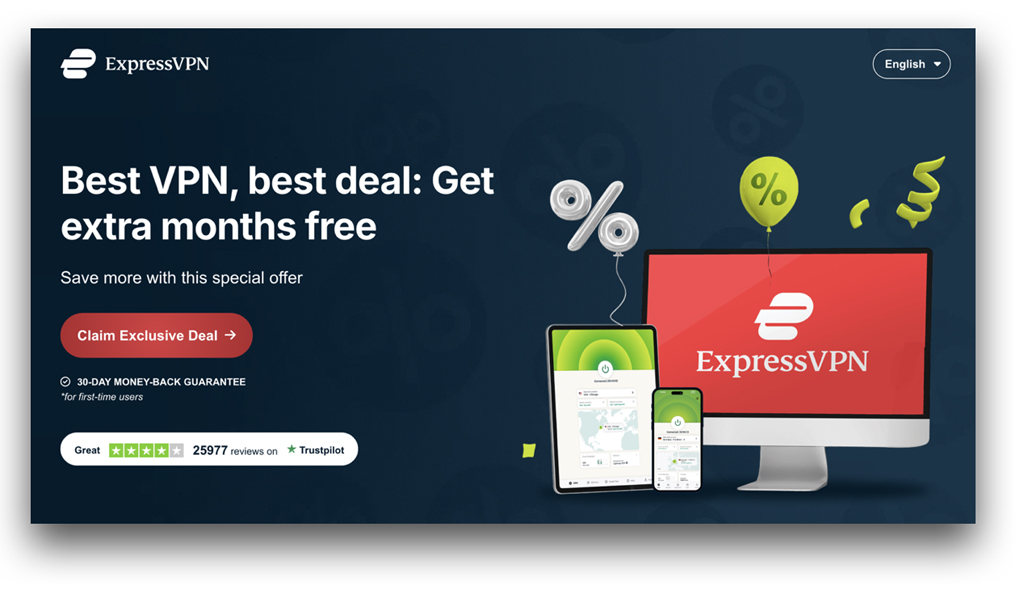
ExpressVPN is another top choice if you’re looking for online security and protection. They provide a great selection of server locations with good speed and performance. ExpressVPN is a bit more on the expensive side, but if you need a VPN for streaming and torrenting, they’re one of the better choices.
Pros and Cons
- Solid Online Security Features
- Good Speed and Performance
- Responsive Customer Support
- Good for Streaming and Torrenting
- Could Include More Security Features
- More Expensive

Conclusion – Using a VPN is a Must
Whether you’re working on your website remotely out of necessity or as a better use of your time, if you plan on connecting to a public Wi-Fi network, then using a VPN is a must. These days, there are just too many security risks with exposing sensitive data, malicious attacks, and many other issues. But, using a quality VPN such as those I mentioned above, you can be much better protected with features such as data encryption, location privacy, and malware protection.